
How do I sign in to Demand Signatures?
Use the Log In link and the email address associated with your account.
Updated
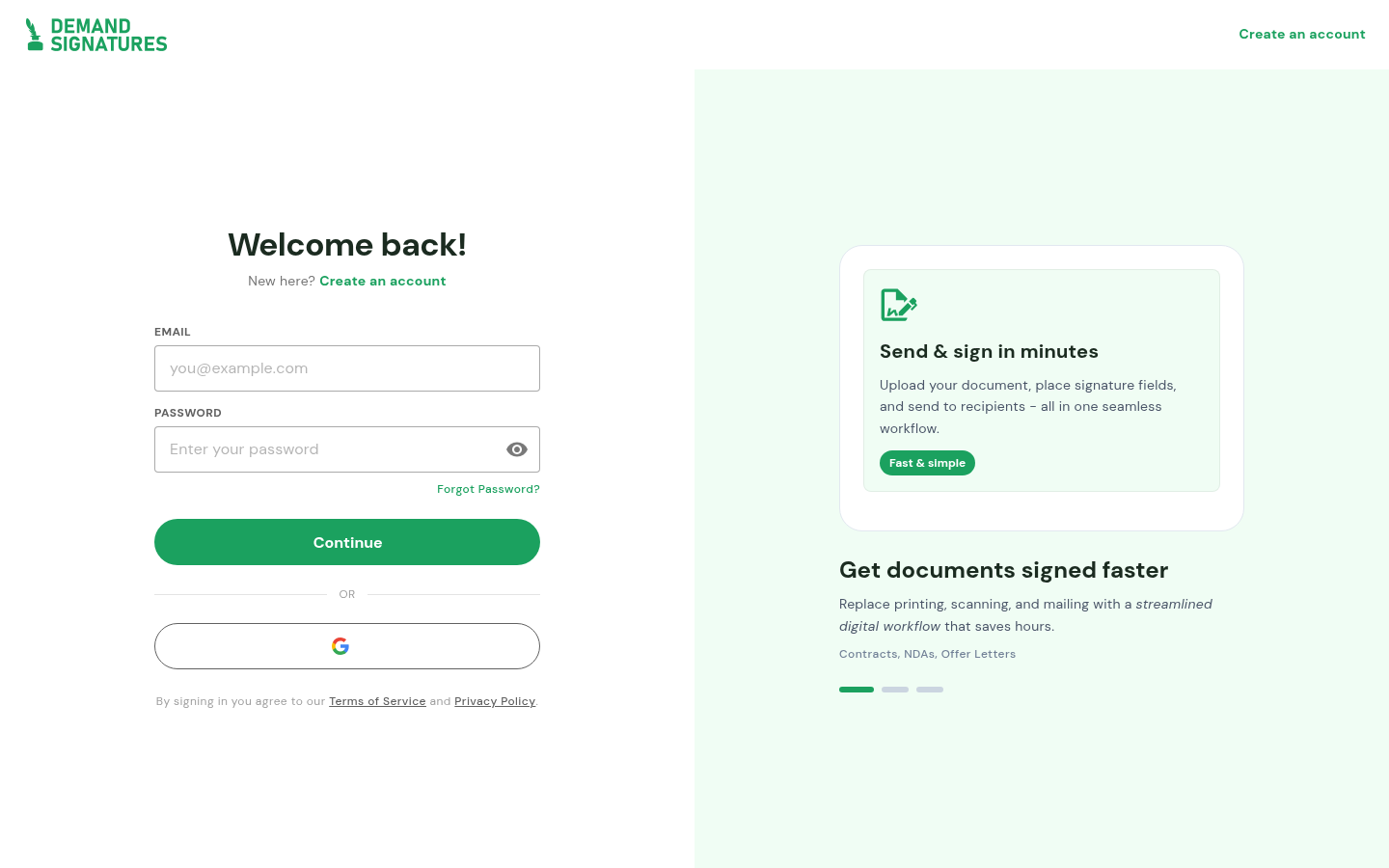
Open the sign-in page and enter your account email and password. If you do not remember your password, use Forgot Password? rather than creating another account.
Steps#
- Open Log In.
- Enter your account email in Email.
- Enter your password in Password.
- Select Continue.
- If an error appears, record its wording. Do not share your password with support.
If sign-in fails#
Check the email address for typing errors and use Forgot Password? if the password is uncertain. Record the exact error message before contacting support; never include your password.
Related: Send a document · Supported file types