Where can I compare Demand Signatures plans?
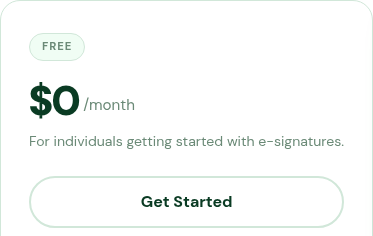
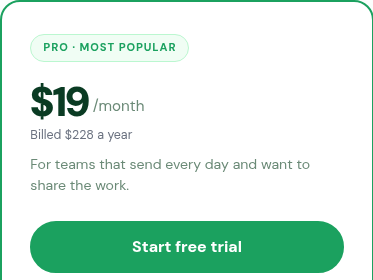
Use the pricing page to compare the listed Free, Pro and Enterprise offers before choosing a plan.
Updated
The pricing page lists Free, Pro and Enterprise offers, with a comparison table and billing questions below them.
Steps#
- Open Pricing.
- Review the Free, Pro and Enterprise columns.
- Read the billing-period wording next to the price. In the annual view, the monthly equivalent and the yearly amount appear together.
- Scroll to Compare Plans to compare the listed document and seat allowances.
- Read Got questions? for the published explanations of the trial, renewal, cancellation and owner permissions.
- If a term is unclear, submit a support request before choosing a paid offer.